


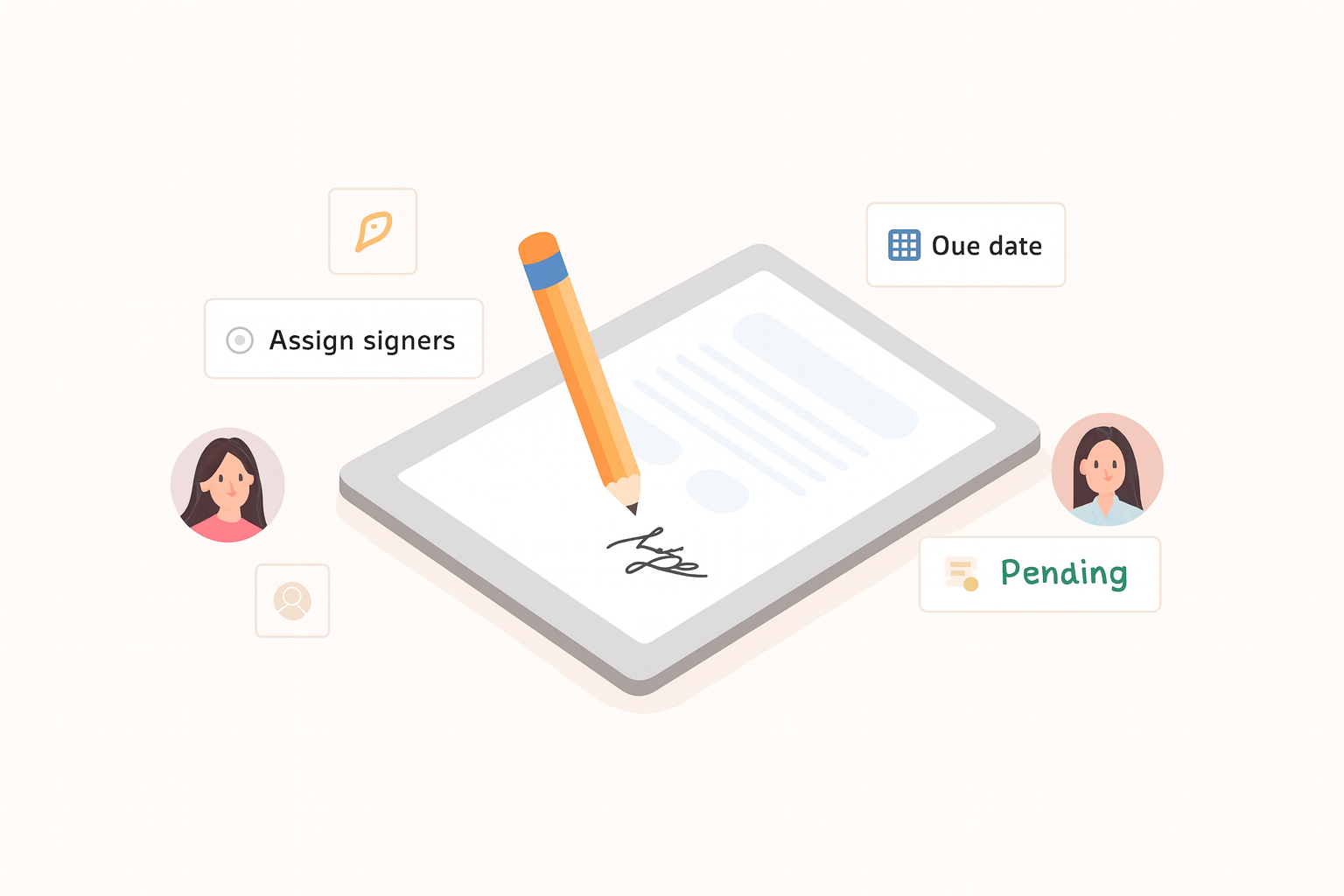
Employee Document Signing Made Simple
Chasing signatures wastes time. Whether you work in HR, run operations, or manage contracts, employee document signing should be effortless—not an endless loop of emails and reminders.
OrientoApp’s automated document signing tool handles follow-ups, organizes files, and moves e-signatures forward without back-and-forth. No delays, no lost documents—just a faster, clearer workflow.
Why Document Signing Becomes a Bottleneck
What should take minutes often drags on for weeks because:
- HR teams chase signatures for onboarding and compliance paperwork.
- Employees forget to sign or miss emails.
- Files get buried in long email threads.
The result is slower hiring, compliance risk, and lost productivity. An e-signature workflow fixes this by making the process hands-off, trackable, and efficient.
What the Document Signing Tool Does
Sends Instant Notifications & Reminders
When it’s someone’s turn to sign, they get an automatic alert. If they forget, the system follows up—no manual chasing by HR or managers.
Tracks Signatures in Real Time
Open your OrientoApp portal to see who has signed and where each document is in the process.
Requires a Reason for Declining
If a signer rejects a document, they must explain why. This keeps the process transparent and helps resolve issues quickly.
Keeps Everything in One Place
All documents, signatures, and status updates live in a centralized portal—no more digging through email chains.
How It Works in 5 Quick Steps
- Upload your document: Go to the Files section in OrientoApp and upload the file that needs a signature.
- Set the signing details: Choose signers, define the order, and add due dates or notes if needed.
- Send to sign: Employees receive in-app and email notifications with automatic reminders.
- Track progress: See who has signed. If someone rejects, they provide a reason so you can address it.
- Download the final PDF: After all signatures are complete, download the signed document. You can cancel the flow at any time.
Why Automate E-Signatures: Key Benefits
- Save time: Eliminate manual follow-ups and status checks.
- Reduce errors: Prevent missing signatures and incomplete paperwork.
- Stay compliant: Keep signed documents stored securely for regulatory needs.
- Boost productivity: Let HR, legal, and managers focus on higher-value work.
If you still manage document signing manually, it’s time to upgrade. Automate the process, remove delays, and stop chasing signatures.