


What’s New in Oriento’s Applicant Tracking System
Hiring rarely follows a perfect plan. Candidates arrive through multiple channels, processes change mid-way, and roles evolve depending on the talent pool. Without the right tools to adapt, you risk losing top candidates, weakening collaboration, and lowering hiring quality.
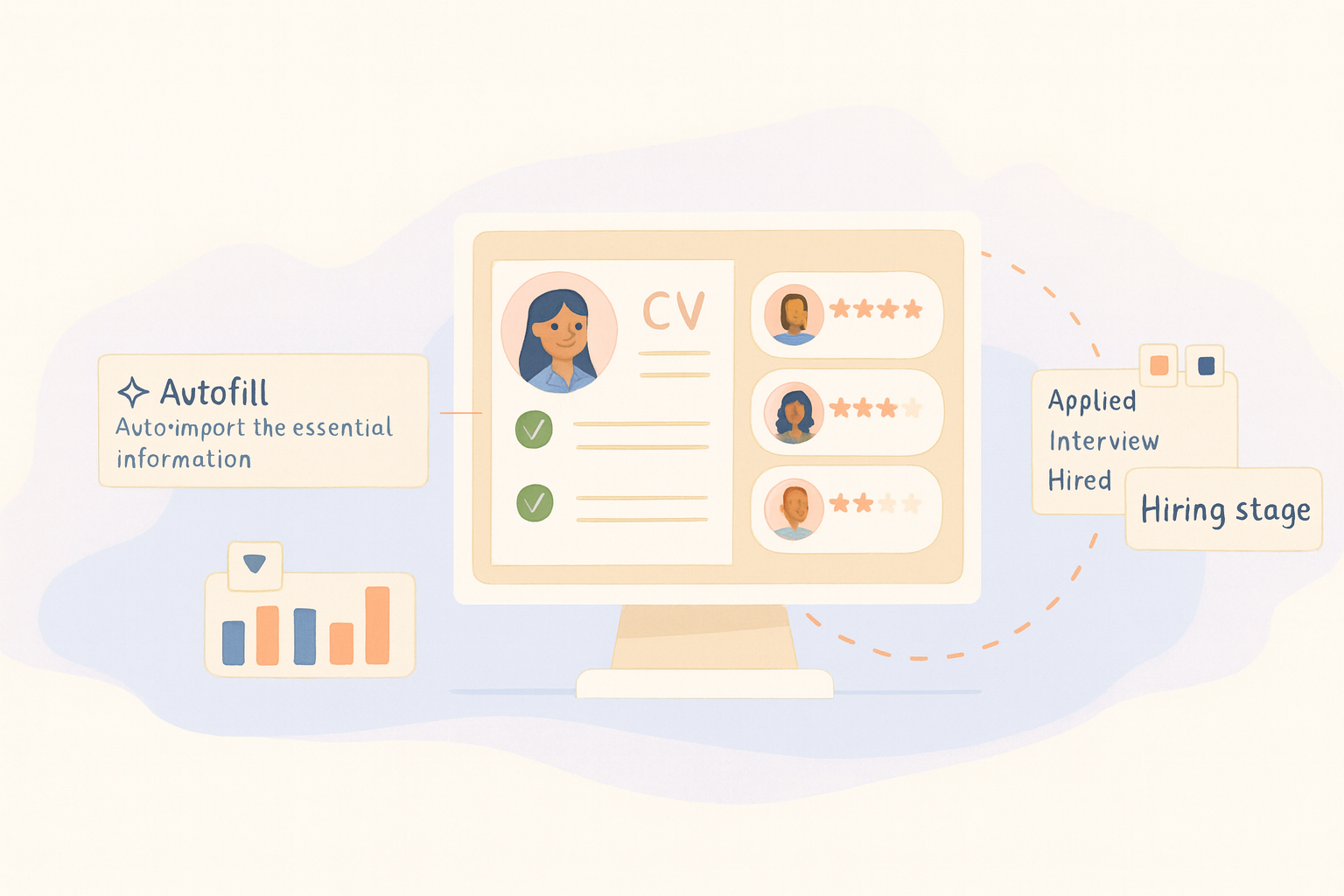
The latest update to Oriento’s Applicant Tracking System solves these challenges with four powerful upgrades that help you:
- Add candidates from any source directly into your pipeline
- Minimize manual profile setup with automated data extraction
- Customize your hiring process to fit each role
- Track hiring against attrition for smarter workforce planning
These are not just cosmetic updates—they reduce noise, cut manual work, and make your ATS match how you already hire.
Add Candidates Manually to Any Job
Problem solved: lost referrals, scattered sourcing, process gaps.
Previously, if a strong referral didn’t apply via your careers page, there was no simple way to add them to the right stage. Now, you can manually add any candidate to any job in Oriento.
- Upload a resume, autofill missing details, and assign them to a role
- Add notes just like for any other applicant
- Keep visibility and tracking in one place from day one
How it works
- Go to Hiring > Candidates
- Click “Add candidate”
- Upload the CV to autofill details
- Add them to an existing job or keep them in your talent pool
No more spreadsheets, email chains, or screenshots—every candidate follows a clear, trackable path.
Autofill Candidate Profiles from CVs
Problem solved: manual entry, inconsistent data, wasted time.
Oriento now automatically extracts essential details from uploaded CVs, including:
- Name, email, and phone number
- Address details
- Career summary
Candidate experience
- Click “Apply for this job”
- Upload a CV
- Fields auto-populate, with the option to edit before submitting
This speeds up screening, keeps records consistent, and improves collaboration with hiring managers.
Customize Recruitment Stages for Each Job
Problem solved: rigid pipelines, unclear progress, workarounds.
Not every position requires the same steps. With this update, you can:
- Add custom stages like “Skills Test” or “Panel Interview”
- Rearrange or rename stages
- Remove irrelevant steps
The result is a transparent, tailored hiring flow that improves the candidate experience and reduces off-system workarounds.
Track Attrition Alongside Hiring
Problem solved: incomplete workforce insights.
Hiring metrics alone can’t tell if you’re growing or just replacing. The attrition rate chart in Oriento shows hires, departures, and trends—helping you:
- Spot churn early
- Align hiring speed with actual growth
- Plan headcount with real data
It’s straightforward insight without the complexity of advanced analytics tools.
Built on a Complete ATS
These updates enhance Oriento’s existing strengths:
- Centralized candidate management with structured pipelines
- AI-powered suitability scoring for faster shortlists
- Transparent hiring team collaboration
- Integrated job postings with a built-in careers page
- WordPress integration for publishing roles instantly
- Automated onboarding task lists for smooth starts
Whether you’re scaling a business, running a non-profit, or managing a large team, Oriento keeps hiring simple, trackable, and connected.
Try the New Features Today
Already using Oriento? Log in to explore the updates.
New to Oriento? Create a free account and get full access to all Premium features for 14 days—no credit card required.