


Introducing Oriento’s Time Tracking Software
Time is one of your team’s most valuable resources—yet it’s often the hardest to manage. That’s why Oriento now includes a built-in time tracker that lets you log hours, monitor attendance, and gain a clear view of how work gets done—all in one platform. Whether your team is remote, hybrid, or fully on-site, this integrated tool delivers valuable insights without the need for extra apps, complex setups, or outdated workarounds.
Why Use Time Tracking Software
No one enjoys filling out timesheets. But a well-designed time tracker makes the process so seamless that employees barely notice, while managers receive accurate data for smarter decisions. Here’s what effective time tracking offers:
- Less guesswork, more focus: Easy tracking means more time spent working, less time recalling tasks.
- Streamlined payroll: Logged hours flow directly into reports, simplifying payroll at month’s end.
- Labor law compliance: Maintain clear records of breaks, overtime, and attendance automatically.
- Prevent time theft: Location tracking ensures employees are at designated worksites.
- Actionable data: Know exactly how long projects take and identify workload imbalances.
- Budget control: Match time logs with project costs for more accurate planning.
- Progress tracking: Gain transparency into team performance and work patterns.
Inside Oriento’s Time Tracking Tool
Oriento’s time tracking is fully integrated into your HR system—no extra logins, no steep learning curve. Features include:
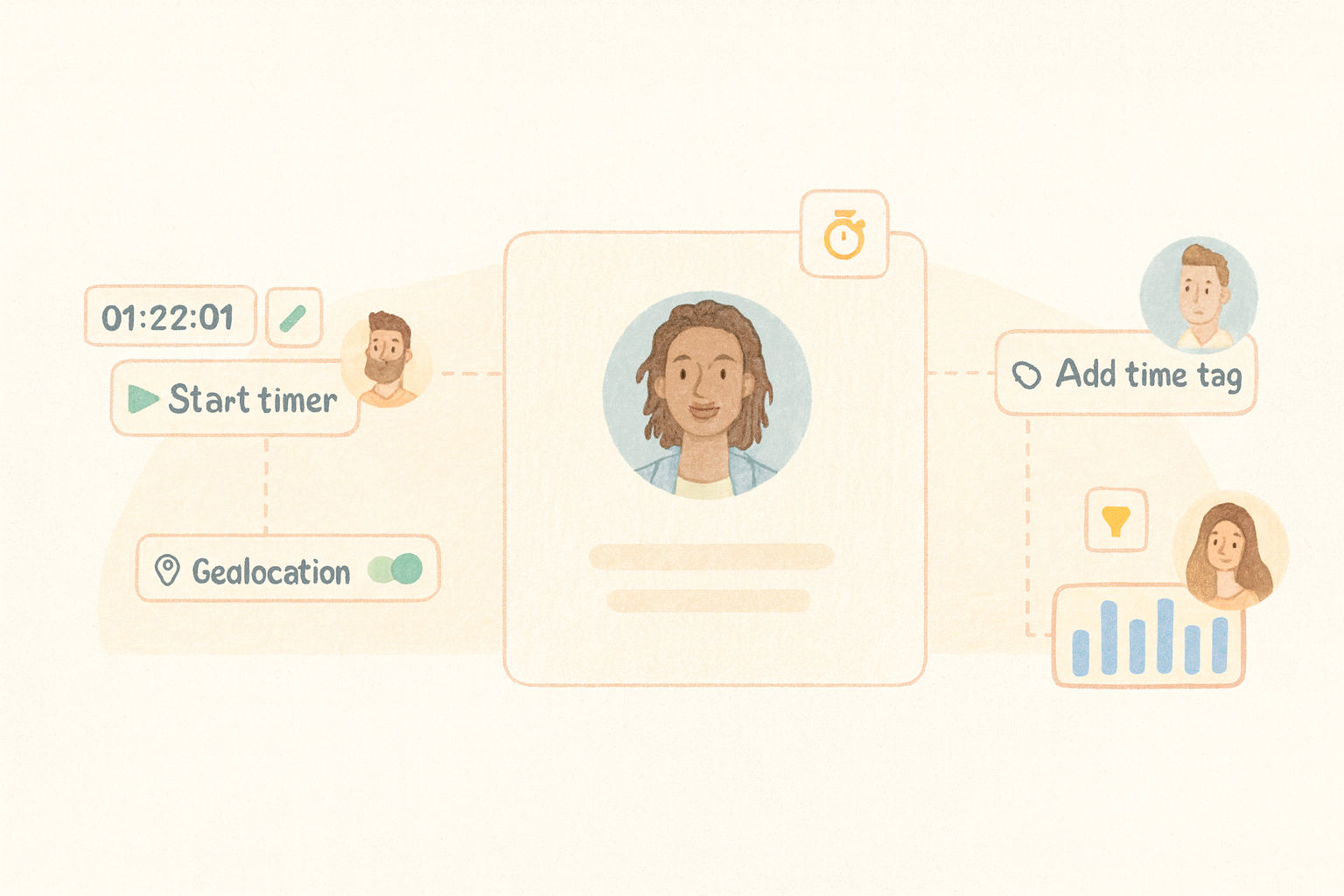
- One-click timers for quick clock-ins and clock-outs.
- Custom time tags to categorize work by project, client, or task type.
- Optional location tracking for field teams.
- Live activity view showing who’s on the clock and their current tasks.
- Downloadable reports for payroll, invoicing, and internal reviews.
How to Get Started
No IT help required—set up in minutes:
- Configure settings: Go to Settings → Time tracking to enable tracking, set work hour limits, reset timers, and toggle location tracking.
- Create time tags: In Time tracking → Time tags, set tags for breaks, overtime, or project-specific work, and manage visibility per team or location.
- Start tracking: Employees click Start timer from their Oriento portal to log hours instantly.
For a full setup guide, visit our Help Center.
Real-World Uses
- Marketing teams: Track content, campaigns, and client work to balance workloads.
- Construction companies: Use geolocation to monitor on-site versus remote hours.
- Nonprofits: Log hours for grant reporting and funding transparency.
- Tech startups: Separate development from support time to measure productivity.
- Design studios: Track billable client hours and attach accurate timesheets to invoices.
This tool is especially valuable for startups and small teams aiming to improve productivity and maintain clear documentation.
Try Time Tracking with Oriento—Free for 14 Days
The time tracking feature is available on the Oriento Premium plan. Start your 14-day free trial to improve visibility, streamline payroll, and understand exactly where your team’s hours go—without adding extra complexity to your workflow.
👉 Start your free trial and see how easy clock-in and clock-out can be.