


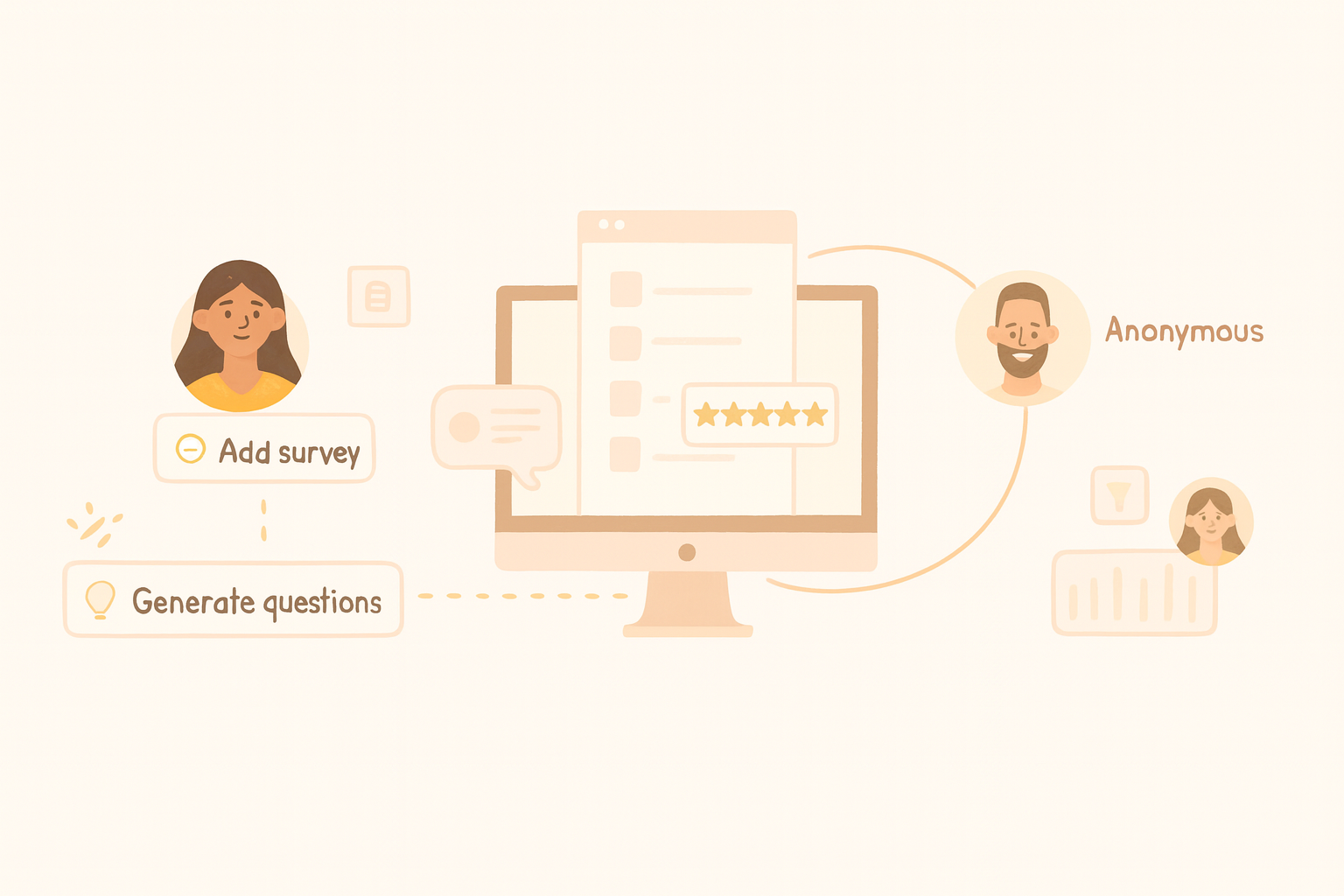
Employee Surveys: Let Your Team’s Voice Shape Your Workplace
Smart decisions start with real employee feedback. Employee surveys help you understand what people value most—better benefits, more flexibility, clearer communication, or simply feeling heard. Teams that act on feedback see stronger employee engagement, higher productivity, and lower turnover.
But sending a form isn’t enough. Success depends on asking the right questions, removing friction for respondents, and turning insights into action. That’s exactly what OrientoApp Employee Surveys is built to do.
Why OrientoApp Employee Surveys?
Employee feedback drives a healthier workplace when it’s structured, meaningful, and easy to act on. With OrientoApp, you can:
- Create surveys fast: Use AI to generate relevant, editable questions—no blank-page stress.
- Mix question types: Multiple choice, open-ended, and rating scales for richer data.
- Encourage honest responses: Make surveys anonymous or identifiable based on your needs.
- Analyze instantly: View clear visual reports and filter by department, role, location, or team.
What Can You Use Employee Surveys For?
Use HR surveys to measure sentiment, uncover challenges, and guide decisions on benefits, policies, and culture.
- Employee Engagement & Satisfaction: Track morale, motivation, and blockers to performance.
Example: Run an eNPS (Employee Net Promoter Score) survey to learn how likely people are to recommend your company. - Benefits & Compensation Feedback: Validate which perks and policies employees truly value.
Example: Find out if teams prefer additional paid time off over wellness stipends. - Onboarding & Offboarding: Improve first-day experiences and learn why people leave to boost retention.
Example: If many cite limited career growth, invest in internal mobility and clear progression paths. - Workplace Culture & DE&I: Assess inclusion, trust in leadership, and team dynamics.
Example: Ask whether employees feel their voices influence decisions to spot communication gaps.
How the Employee Surveys Tool Works
- Define your goal: Describe your needs in a sentence and let AI draft an editable survey, or build it question by question.
- Pick formats: Use open-ended questions for detail, multiple choice for quick selection, and rating scales for trend tracking. Mark questions as required or optional.
- Set details: Add a title and description, choose dates, enable anonymous responses if needed, and select recipients—company-wide or specific people, divisions, departments, or locations.
- Preview: Check how the survey will look before you send it.
- Review results: Track trends with bar or pie charts and read individual text answers. Filter by team, role, or region to pinpoint insights.
Key Metrics to Track
Beyond raw scores, monitor these indicators to ensure surveys lead to action:
- Participation rate: Low response rates may signal survey fatigue or trust issues. Shorten surveys, highlight anonymity, and explain why input matters.
- Engagement trends over time: Compare quarterly or annual results to evaluate the impact of HR initiatives.
- eNPS: A falling eNPS can indicate deeper culture or engagement concerns that need attention.
- Recurring themes: Watch for patterns such as burnout, career stagnation, or communication gaps—and prioritize them.
Start Listening, Start Improving
Share key takeaways and show how you’ll act on them. Transparency builds trust—even when feedback is tough.
Prioritize high-impact changes, such as improving leadership communication, clarifying growth paths, or aligning benefits with employee needs. Communicate your plan and follow through.
Make feedback continuous. Schedule regular check-ins, measure progress, and keep refining. When employees see real change, engagement and retention improve.
Sign up or log in to OrientoApp to launch employee surveys and turn feedback into action.